Clinical meal planning. Not a food diary.
Plan Lab is the meal planning workspace built for how nutrition practitioners actually work — structured plans with real food data, live macro totals, flexible frameworks, and a client experience that doesn't look like a spreadsheet. Build once, deliver instantly, reuse forever.
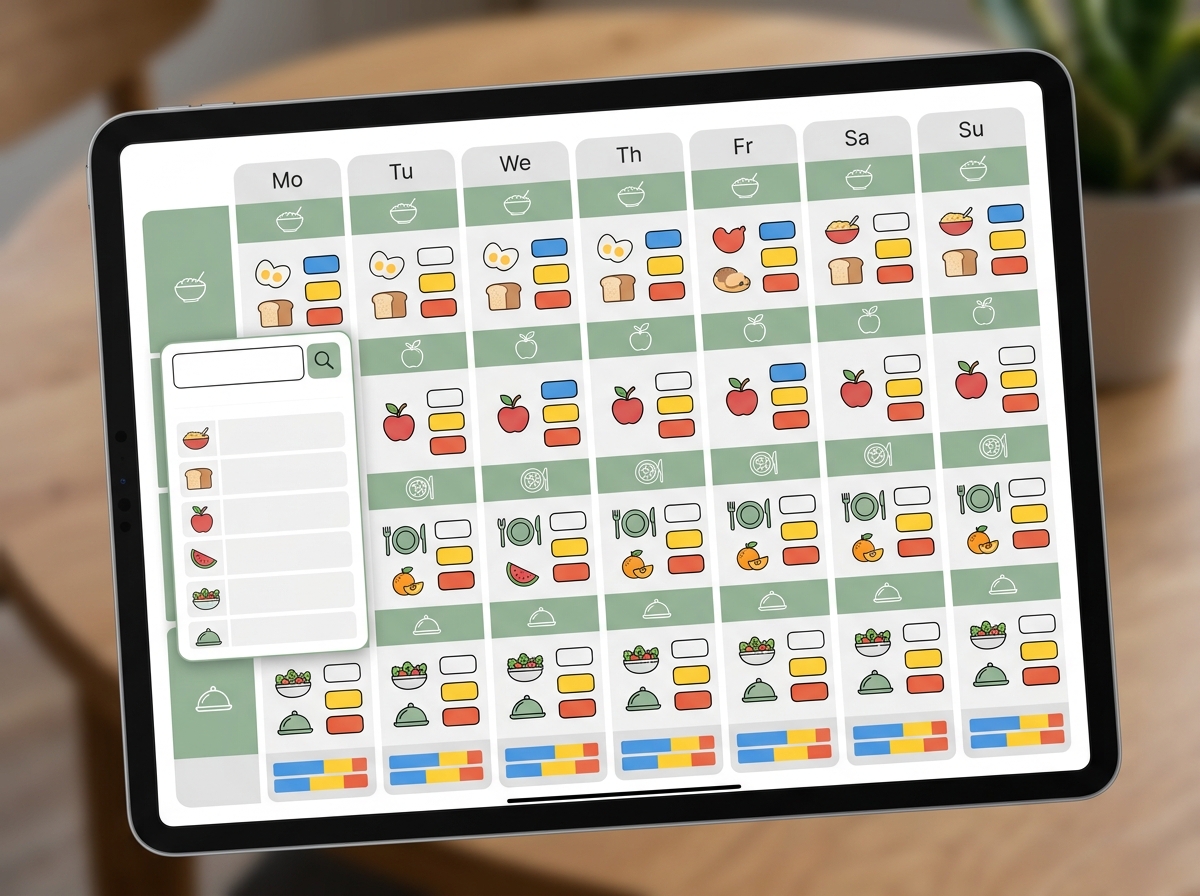
Three ways to plan
One tool. Three clinical workflows.
Every client is different. Some need exact gram portions. Others need flexible guidelines. Most need a mix. Plan Lab supports all three approaches in a single workspace — because real nutrition practice doesn't fit into one template.
Gram-level precision
Assign specific foods with exact gram portions. Live macro totals update per meal and per day as you build. This is the mode for practitioners who need clinical-grade control over every macronutrient ratio — eating disorder recovery protocols, sport nutrition periodization, or medical nutrition therapy where precision is non-negotiable.
MNT, sport nutrition, eating disorder recovery
Guidelines, not prescriptions
Set flexible food group targets and rules — like 4 to 5 servings of protein and 6 or more servings of vegetables per day. Clients get structure without rigidity. Ideal for general wellness clients, intuitive eating transitions, or anyone who needs direction without the pressure of exact portions.
General wellness, intuitive eating, lifestyle clients
Precision where it matters
Combine both approaches in a single plan. Structure breakfast and post-workout meals down to the gram while giving flexible framework targets for the rest of the day. This is how most experienced practitioners actually work — and no other platform lets you do it.
Mixed protocols, phased nutrition plans
Structured Plans
Every gram accounted for
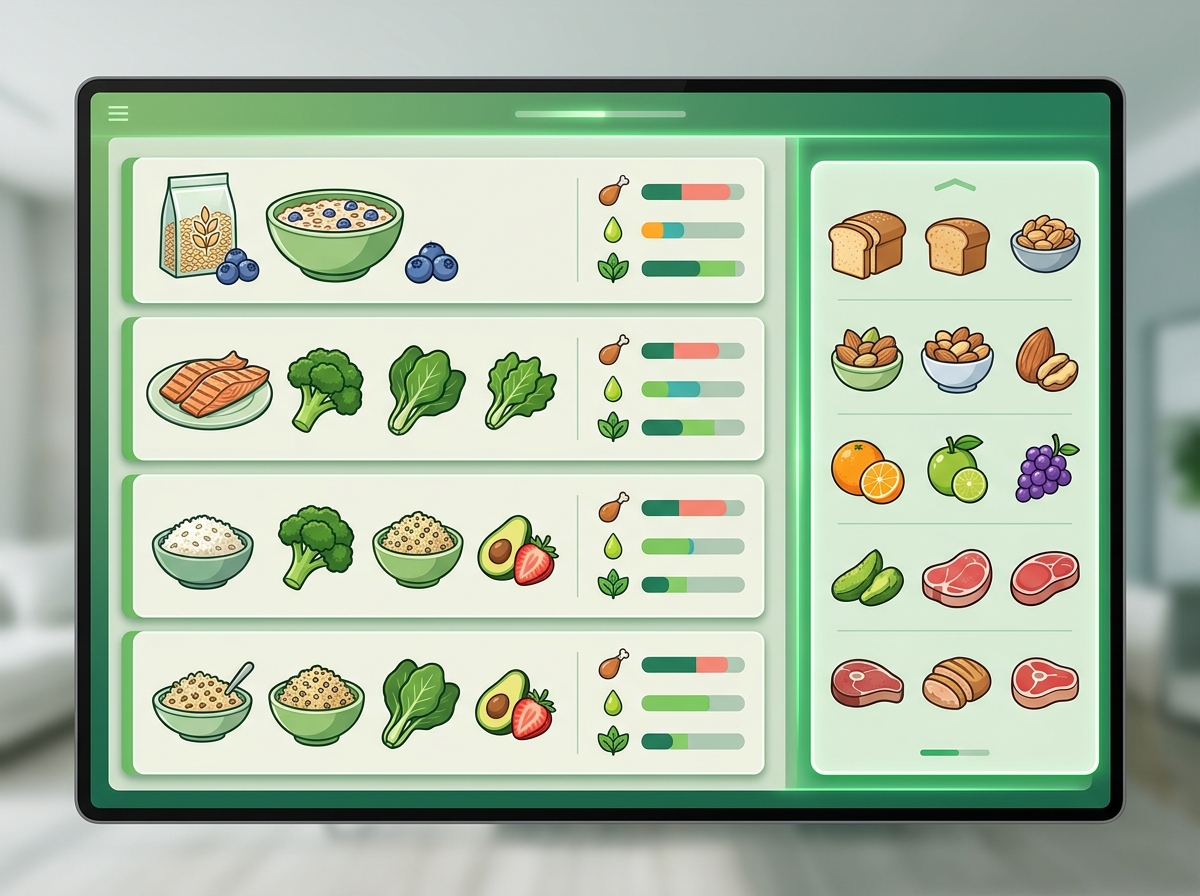
Build day-by-day plans across Breakfast, Snack, Lunch, and Dinner. The inline food picker searches 600,000+ foods from USDA and Health Canada databases — type a food name, pick a match, enter a portion in grams, and watch the macro row update instantly.
Per-meal macro summaries sit at the bottom of each meal block. Per-day totals roll up at the end of the day. Daily averages track across the full plan. You never have to open a calculator or cross-reference a separate nutrient database — the numbers are always live, always visible, always accurate.
Food Frameworks
Structure without rigidity
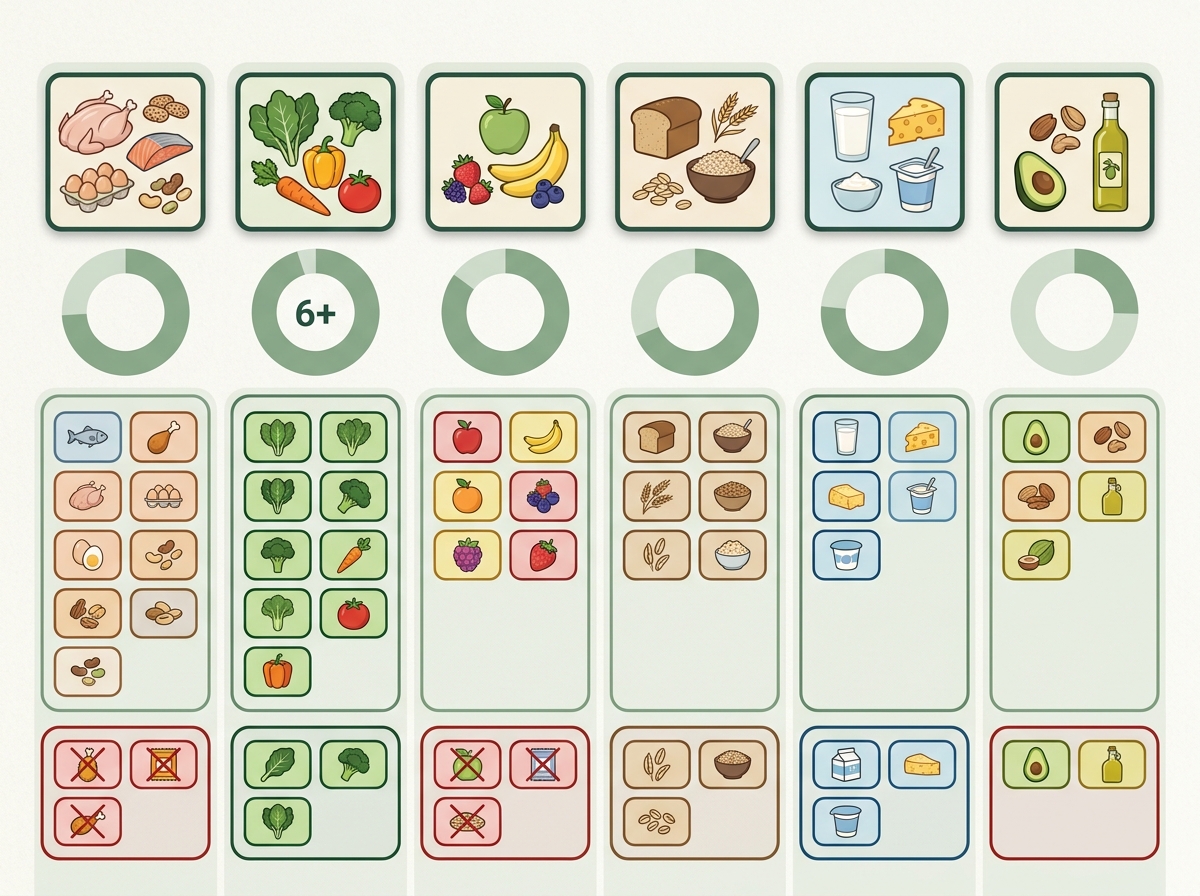
Not every client needs a gram-by-gram prescription. Food Frameworks let you set food group targets and rules — servings of protein, vegetable minimums, grain limits — and deliver them as clear, actionable guidelines your client can follow without weighing every meal.
Add Include and Restrict lists as tag chips to set dietary boundaries. Gluten-free, dairy-free, low-FODMAP, tree nut allergy — constraints are visible on the plan and travel with it everywhere. Your client sees what to aim for and what to avoid, with none of the friction of rigid portion tracking.
Client experience
Clinical on your end. Inviting on theirs.
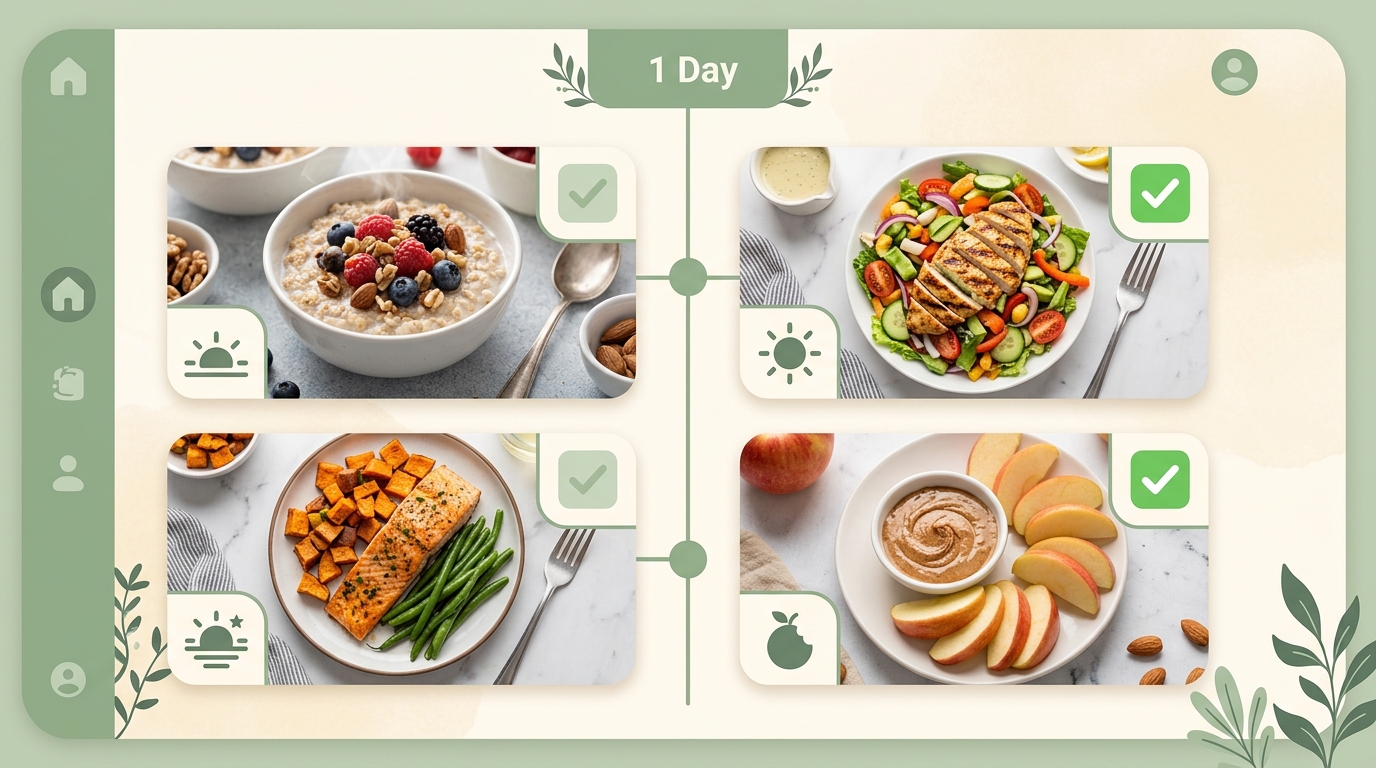
Your clients don't see a clinical workspace. They see a clean, branded meal plan in their portal — organized by day and meal, with clear food items, portions, and any substitutions you've included. Preview exactly what your client will see before you send it.
Preview before sending
The client preview toggle shows you the exact layout your client will see in their portal. Meals are organized clearly. Portions are easy to read. Substitutions appear as expandable alternatives. No clinical jargon, no macro columns unless you choose to show them — just a plan that feels approachable.
Clients see approved alternatives for any food item, giving them practical flexibility at the store.
Plans render beautifully on phones. Clients check their plan while shopping or cooking — not just at a desk.
Plans carry your practice branding. Clients see your name and colors, not a generic tool.
Include and Restrict constraints are shown clearly so clients always know their boundaries.
Protocol templates
Build once. Use forever.
Save any plan as a reusable protocol template. Your Mediterranean anti-inflammatory protocol, your post-bariatric phase progression, your sports nutrition periodization base — saved, categorized, and ready to apply to the next client in seconds.
Templates are fully editable after application. Start from a proven base, then adjust portions, swap foods, and adapt constraints for each client. The time you spent building your first plan becomes the foundation for every plan after it.
One click turns any finished plan into a reusable protocol.
Organize templates by condition, population, or phase for fast retrieval.
Start from a template, then tailor portions and foods to the individual client.
Link templates as interventions inside multi-phase care plans.
Common questions
Meal planning should be as rigorous as any clinical tool.
See how Plan Lab handles structured plans, food frameworks, and client delivery in a live NutriClient workspace.