Food Data & Meal Planning
Tools for the part of your work that is only nutrition, inside the same software as your calendar and your notes.
The two halves in the name are the two halves of nutrition work. Each tool below has its own page.
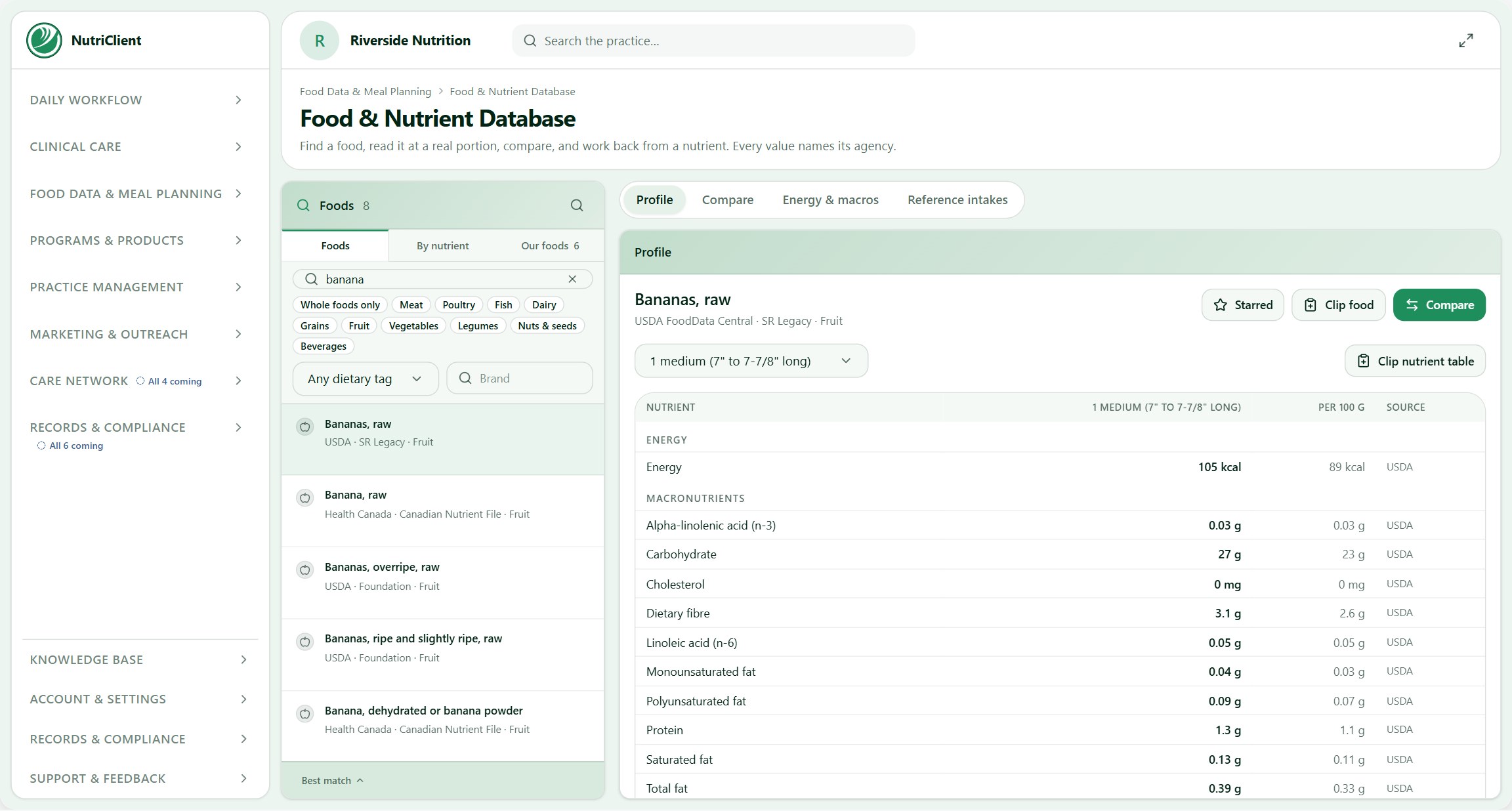
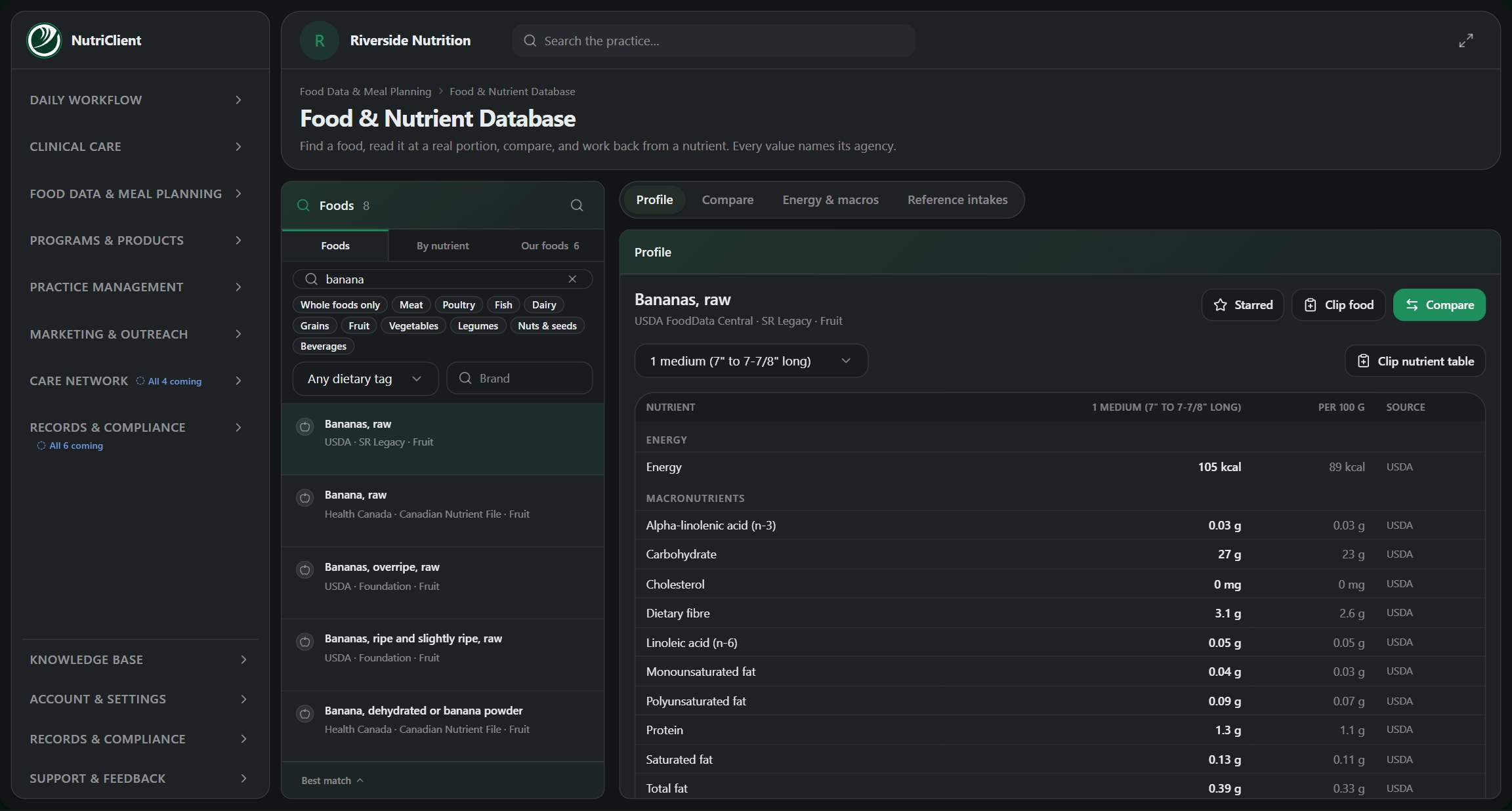
A client asks about the oat milk they actually buy, and you answer with a number. Then that number goes into a week of meals they can shop for, cook and stick to.
Both halves read from the same food database, so the plan you send is built from the figures you looked up.
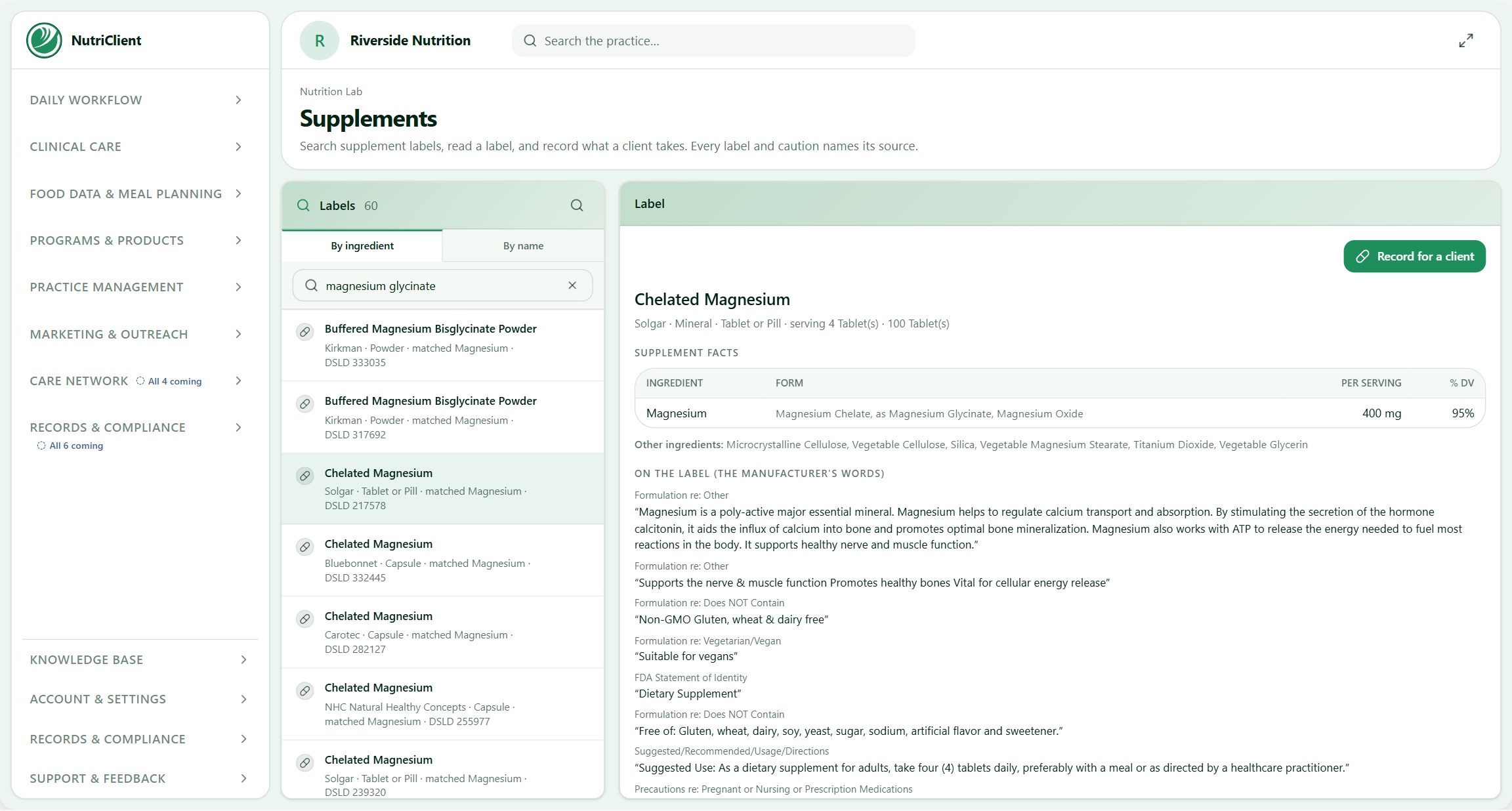
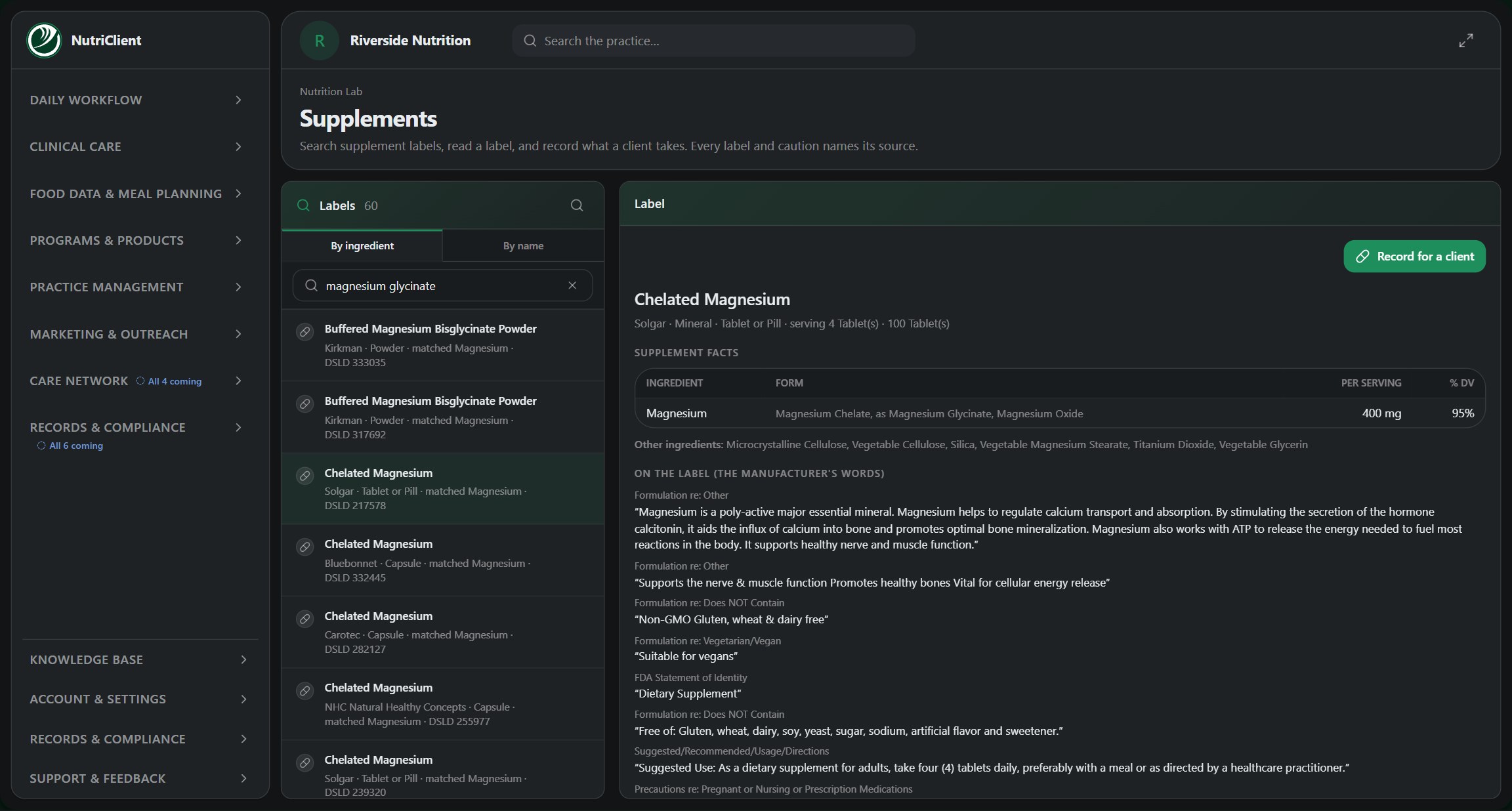
What you look up while the client is still talking: a food, a product, or a supplement they already take.
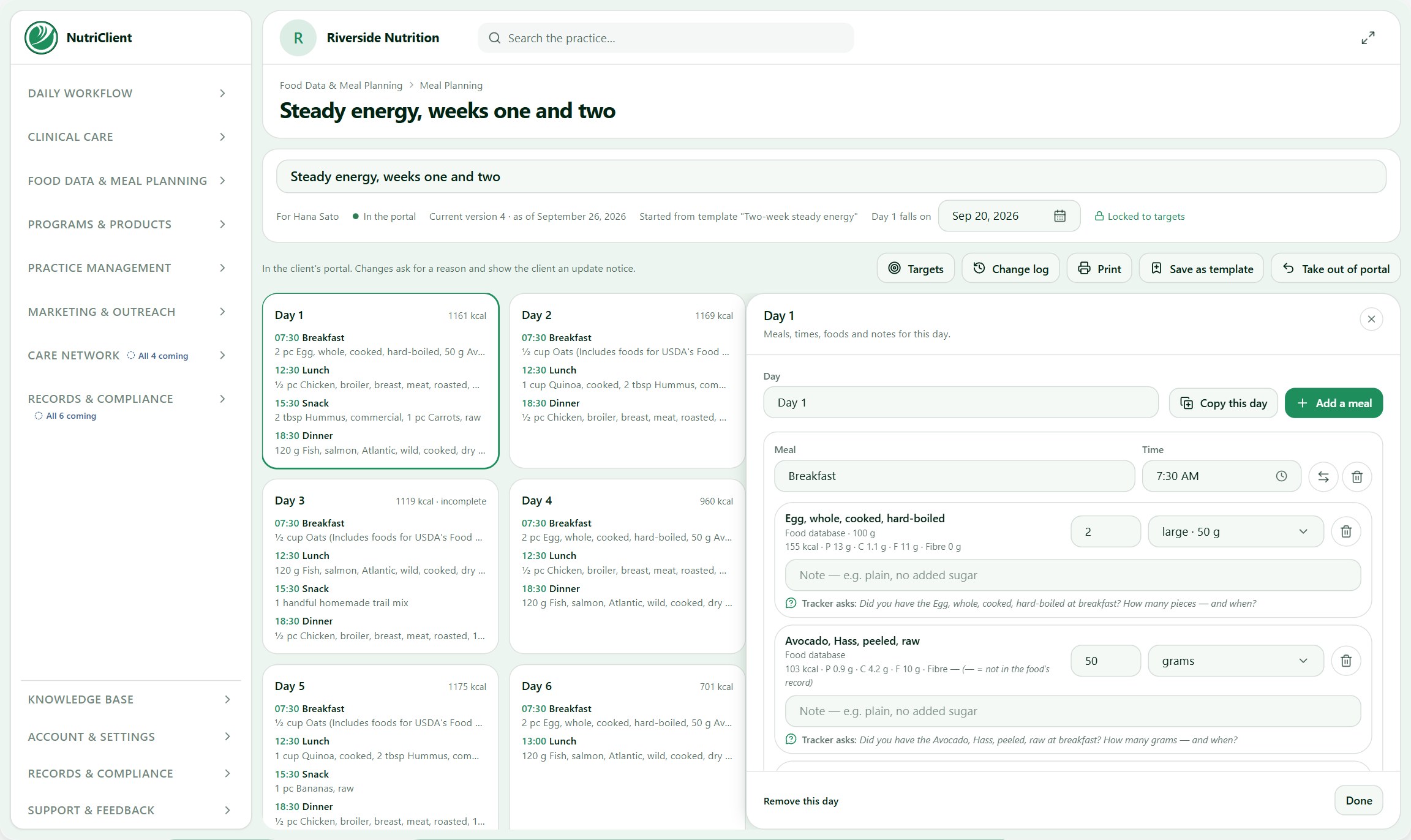
Where the numbers become days of meals a client can follow, published to their own portal.
What changes because the work is nutrition
Your client's meal plan lives in their own portal. Their dietary profile and body-composition history stay on their chart. And booking opens the way many nutrition clients start, with a short discovery call.
The meal plan lives in your client's portal
Your clients get their own portal, and their meal plan has its own place in it.
So the plan is not an attachment they have to find in an email. It is a permanent place they log into, on their phone, that always shows the current version — including after you change it.
So when they are standing in the grocery store wondering what Thursday's dinner was, the answer is on their phone.
Body composition and dietary profile, in the chart
Two things that live in the client's chart.
The body-composition side is where the measurements you actually take get recorded over time — so change is something you can show rather than something you both try to remember. The dietary profile is the standing picture of how this person eats: preferences, restrictions, allergies, what they will not touch, what their household eats.
The dietary profile is the one that saves the most time. It means the constraints you learned in appointment one are attached to the person, so every plan you build afterwards starts inside them instead of you re-remembering that they hate fish.
Booking that starts with a discovery call
Three ways booking behaves differently because this is nutrition work.
The discovery call is the front door: a short free consultation as the first appointment type, because nutrition clients almost never book a full paid appointment cold. Portal-first reflects how the work actually runs — the appointment is the smaller part, and most of the value happens between appointments in the portal, so the portal is where the work carries on between appointments, not an extra. And group appointments have a capacity, so a class or a programme cohort can be booked by several people into one slot instead of you faking it with back-to-back appointments.
None of these are separate features you turn on. They are how booking works in NutriClient™ from the first day.
Look up the food, build the plan, and send it to your client's portal.