Plans and pricing
Team
For a nutrition practice with more than one practitioner, and the front desk and admin who keep it running.
Everything in Professional, for more than one practitioner.
Annual plans include 2 months free
Core features
Core features, included in every plan
The everyday work of the practice, on every plan.
-
Included on Team
Notes and charting
Chart it once, in the visit, not tonight.
Notes in your profession’s words and templates, signed and locked, on the client’s chart.
More on notes and charting -
Included on Team
Forms and intakes
Any form can ask. Few remember the answer.
Build your own forms. Intakes and consents are signed on the portal and come back as data.
More on forms and intakes -
Included on Team
Scheduling and booking
Booking is easy. A day that works is not.
The calendar, appointment types, online booking, reminders and a waitlist.
More on scheduling and booking -
Included on Team
Billing and payments
Taking payment is easy. Who owes what is not.
Invoices paid online, packages, payment plans, refunds and superbills.
More on billing and payments -
Included on Team
Dedicated client messaging
Messages are easy. Keeping the thread is not.
Two-way threads with your clients, kept on their record. Email only tells them a message is waiting.
More on dedicated client messaging -
Included on Team
Training and support
Buying software is easy. Learning it is not.
Help where you are working, deeper how-to lessons, and support from inside the app.
More on training and support -
Included on Team
Records and compliance
When the college, a lawyer, an insurer or a client asks, the answer is a click.
More on records and compliance
Only in NutriClient™
Your Food Data & Meal Planning toolkit
Dedicated tools built for nutrition alone — not general practice software stretched to fit. Every tool in it is one your profession actually uses, on every plan.
-
Exclusive
Meal Planning
Build the days and meals someone will actually eat, and the nutrition totals add themselves up.
Included on Team -
Exclusive
Food & Nutrient Database
Over 600,000 foods, generic and brand-name, with the full nutrient breakdown behind each one.
Included on Team -
Exclusive
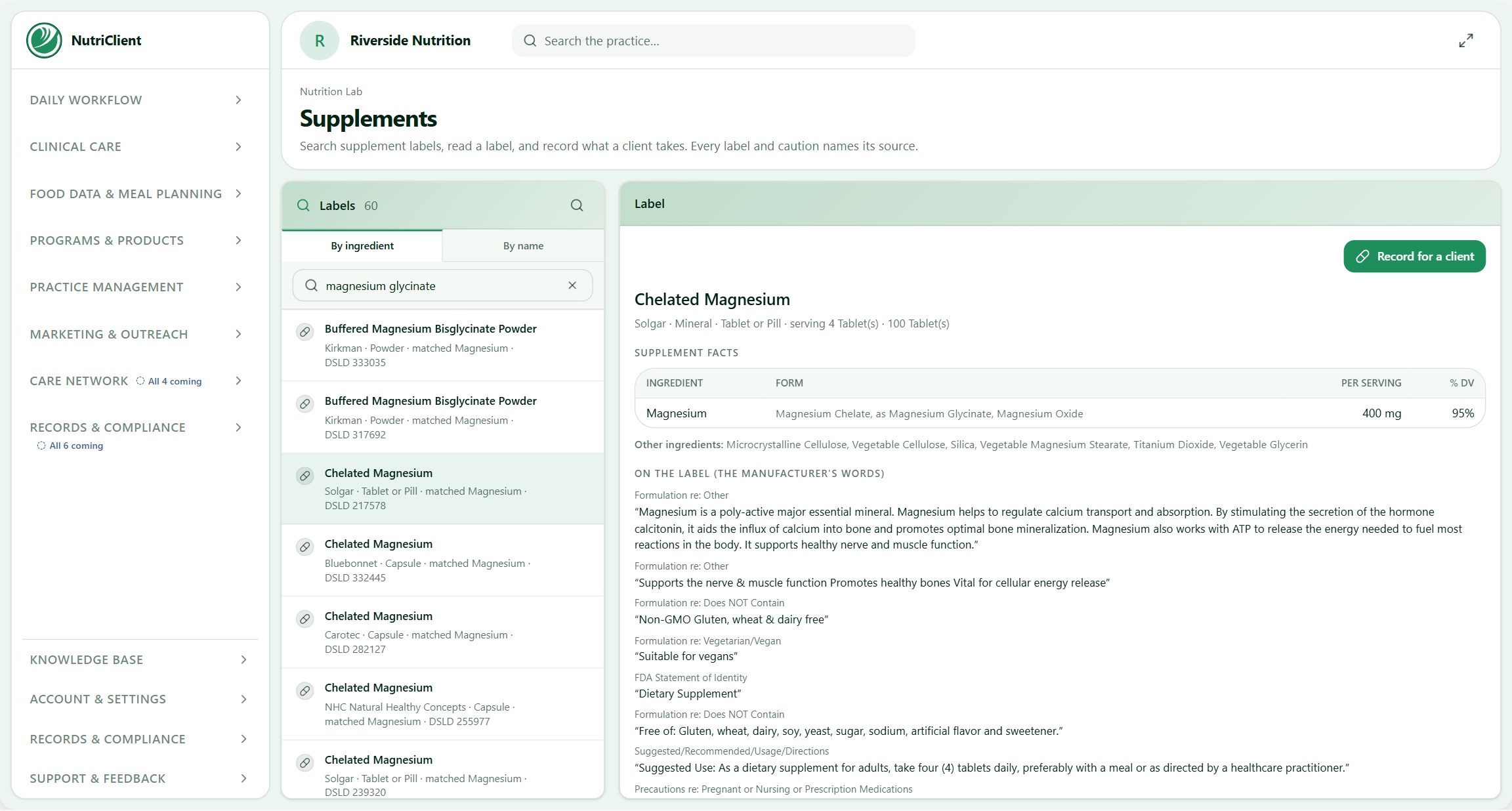
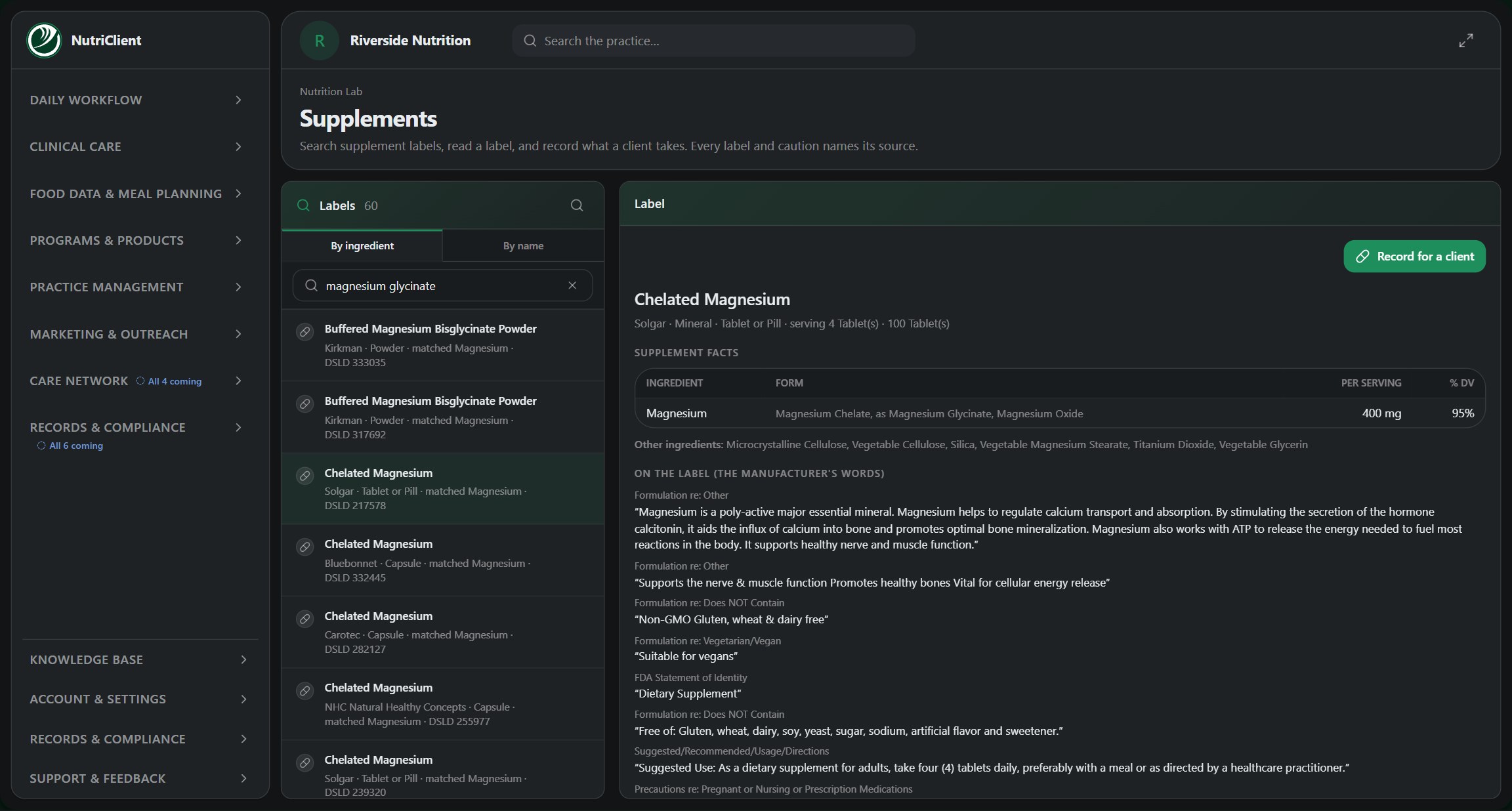
Supplements
What is in a product, what a typical dose looks like, and what it interacts with.
Included on Team
Built in
Built in, on every plan
The app, the portal and the website.
-

The practice app
Built inThe software itself, in your browser or installed on your desk.
See the practice app -

A branded client portal
Built inYour practice’s own space, which clients can download to their phone: booking, forms, messages and payments.
See the client portal -

A dedicated practice website
Built inYour face and front door, on your own domain, with appointments clients can book and digital and physical products they can buy.
See the practice website
Systems
What each system does on Team
Four systems run underneath the practice. Here is how much of each one this plan includes.
-
 Included on Team
Memory of Care™
Everything your practice knows about a client — history, intakes, tracking and visits — carried into the visit you are in, so nobody rebuilds the story by hand.
On Team: Across the whole practice. The owner’s view across every practitioner.
- Your whole caseload, read together
- The Practice Pulse dashboard
- Your growth pipeline, lead to regular client
- Your own thresholds and views
-
 Included on Team
Practice Assist™
The helper inside the app. Whatever it does lands as a draft you sign, send or commit — it never acts on its own.
On Team: Draft my notes for me. Everything in Professional, for every practitioner seat.
- It starts doing the work
- Drafts the chart note from the appointment
- Drafts the first care plan
- Summaries between appointments
- Follow-up tasks, ready for your review
-
 Included on Team
CareMapping™
Maps a client’s care and runs it: the plan and its visits, the homework and trackers they log, the rebook, and the outcome.
On Team: Map the whole practice. Shared protocol libraries across your practitioners.
- Your protocols, as a reusable library
- Outcomes across your clients
- What changed after you acted
- Plans that suggest their own adjustments, for your approval
-
 Included on Team
BookSmart™
Booking that checks the whole practice before it offers a time: the practitioner, the room, the equipment and the attention the visit needs.
On Team: Smart booking. Rooms, equipment and prep time checked on every booking.
- Appointments built in stages: prep, hands-on, unattended time, turnover
- Rooms, spaces and equipment, each with its capacity
- Only offers times that fit cleanly
- Couples and group bookings
What’s in Team
What Team adds
Everything in Professional, and these.
- Team
Also in Team, from the plans below (26)
- Scheduling & Calendar
- BookSmart™
- Notes & Charting: write, sign and lock notes, with addenda
- Messaging
- Form builder
- Intakes & consents
- Note templates, saved replies, and your own care-plan and protocol builders
- CareMapping™ for one client
- CareMapping™ across the practice
- Billing & Payments
- Practice Connect
- Practice Assist™: ask it anything
- Memory of Care™
- Practice Assist™ that knows the chart
- The Reads — one client, right now
- Practice Assist™ drafts the work for you
- The Reads — the whole practice, over time, configured
- The Client Portal
- The Practice Website
- The practice app, in your browser or installed on your computer
- Your profession’s own tools
- Training & Support
- Support response window
- Storage: 5, 25, 100 or 250 GB, plus 50 GB per practitioner
- The platform capabilities
- Import your contacts from a spreadsheet
Add-ons
Add to Team when you need it.
Each add-on is priced on its own. Add one during your trial or later, and drop it at the end of any month.
Free to try
Telehealth™
Video visits your clients join from their portal, with one link and no app.
HD one-to-one videoClients join from any browser, on any deviceTheir notes, goals and history beside you during the visitTelehealth consent built into your virtual appointment types
Includes 10 hours per practitioner a month, about twelve 50-minute sessions.
$16/month per practitioner seat −$3
Free to try
Telehealth+™
Everything in Telehealth, and the session writes itself up.
Recording, with the client’s consent each sessionAn automatic transcript, straight into Memory of Care™A drafted chart note, key moments and follow-ups for you to signSearch past sessions by what was said
Includes 20 hours per practitioner a month, about twenty-four 50-minute sessions.
$49/month per practitioner seat −$10
Free to try
Marketing Studio™
The marketing a practice needs, drafted in your voice and ready to use.
Blog articles, straight to your websiteA month of social posts, branded and readyLanding pages, lead magnets and capture formsRecall for clients who drifted, and referrals from the happy ones
Includes 100 images a month across the practice; video from Professional.
$24/month per practice −$5
Free to try
Programs & Products™
A store on your own website and in your clients’ portals.
Sell programs, packages, memberships and coursesE-books, physical products and event seatsAccess opens, enrolment happens, orders arrive to shipRecommend the right offering from a client’s own file
Nothing is metered: sell as much as you like.
$24/month per practice −$5
Team
Put your own nutrition practice on Team.
Every plan starts with a 14-day free trial and no card charged until it ends.
The other plans
Smaller plans